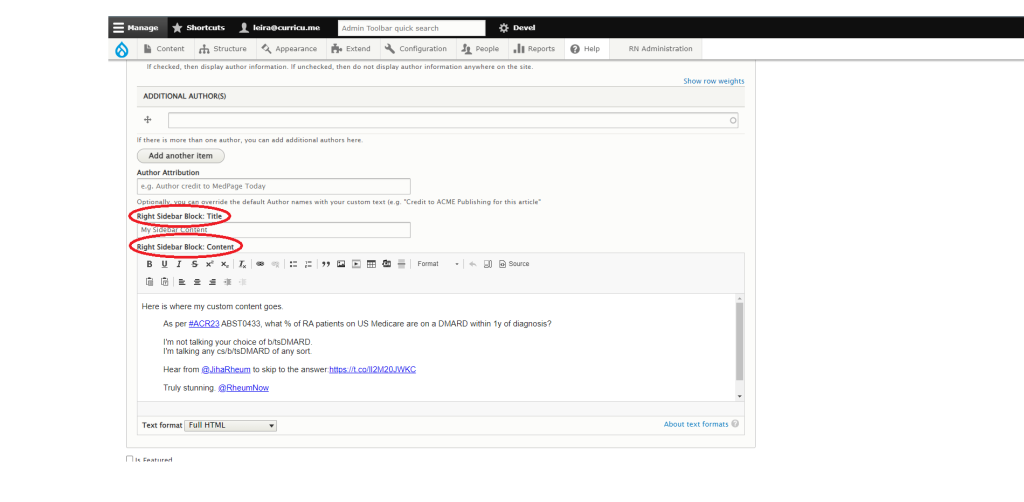
An advanced article encompasses the nodes of type Article, Comments, Scheduling, URL Alias, Authoring Information, Promotions, and Right Sidebar Block features.
The Article Edit Form
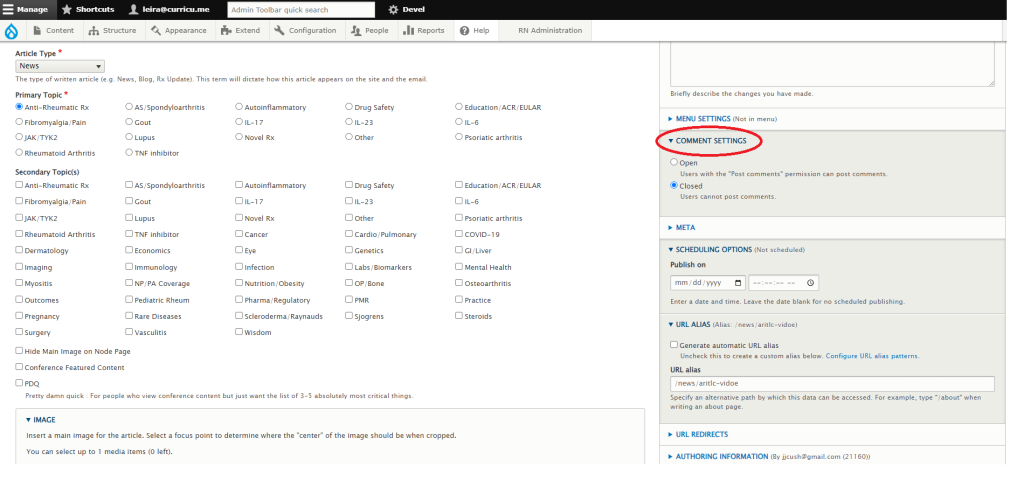
- Comment Settings
- Open: Users can comment on the article.
- Closed: Comments are turned off for everyone.
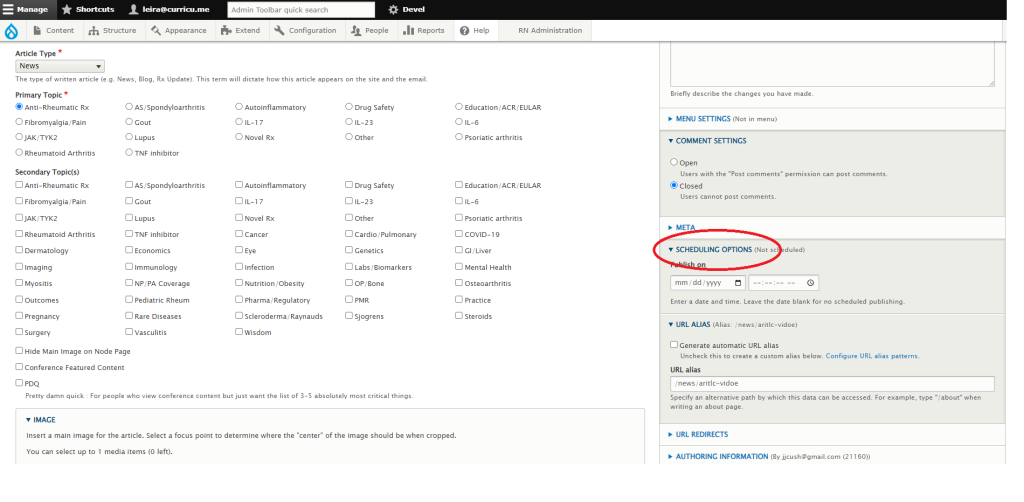
- Scheduling Options: You can schedule something to publish in the future if you put the date and time (EST). When you do this, make sure to leave the article published and it will be published on the scheduled date.
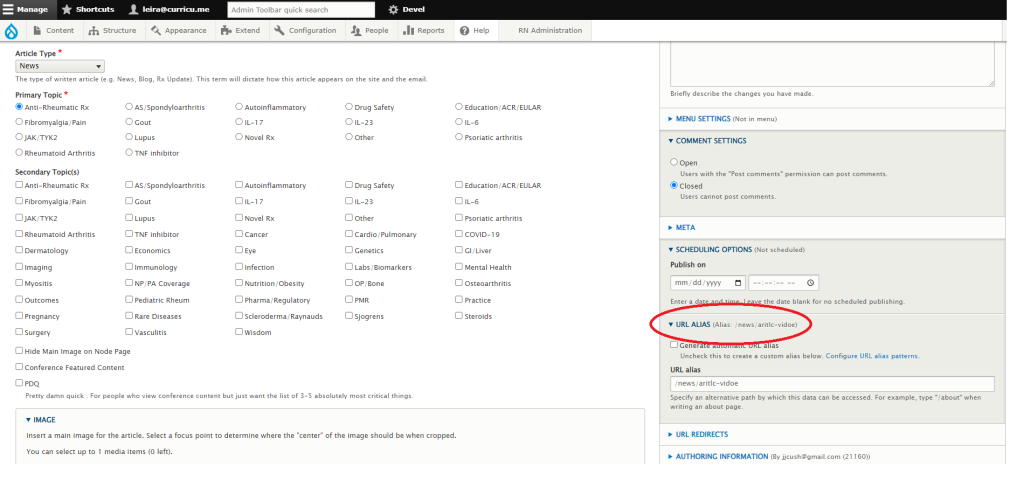
- URL Alias: You can uncheck “generate automatic URL alias,” and write your own URL where the page will be accessible.
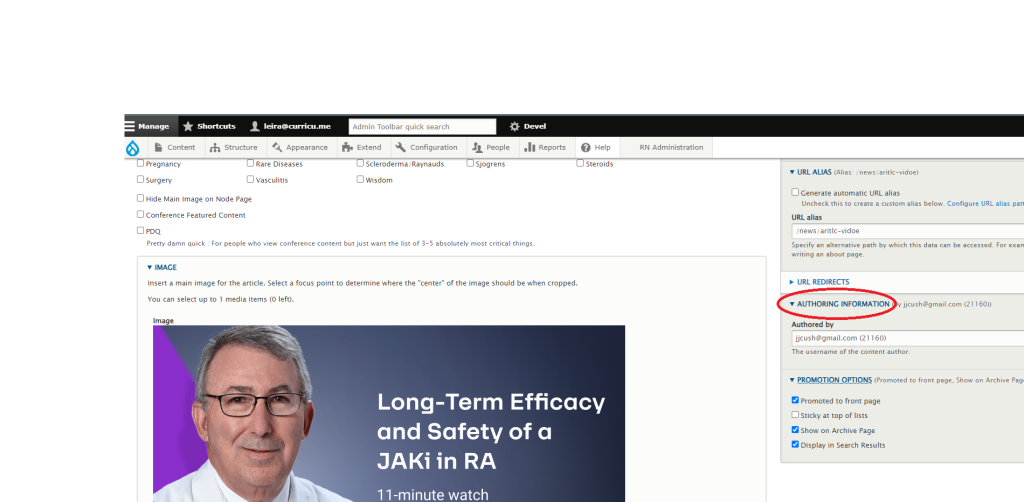
- Authoring Information: You can change the author by entering their username, which is usually their email address. How to find or create an author (NEED TO CREATE).
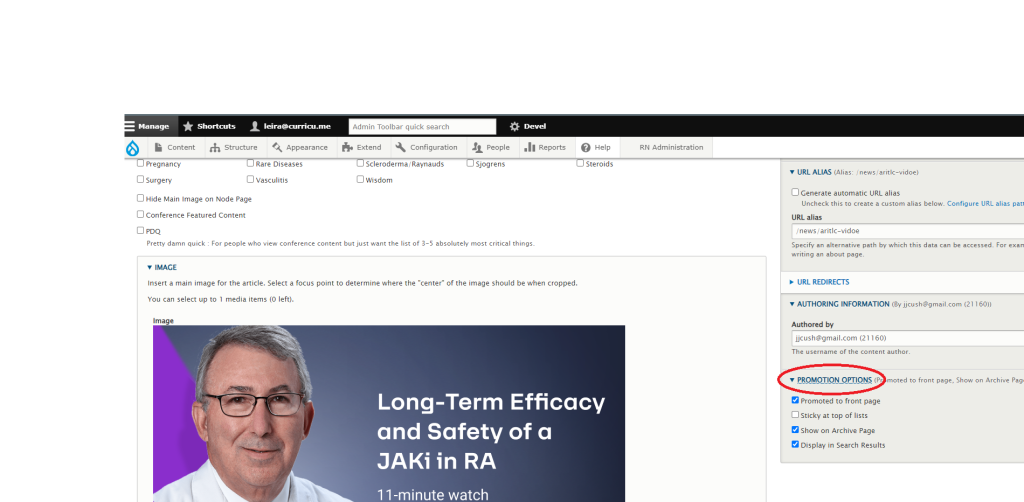
- Promotion Options: You can prevent it from showing on archive pages, like topic pages and news pages by unchecking “Display in Search Results.”
- Right Sidebar Block: Title: This is a title for a custom block of content that will appear on the right of your node page.
- Right Sidebar Block: Content: A rich text editor where you can put, text, image, HTML, or embedded content like a Tweet.